February 12, 2021
Web Calendar Updates
Adding a New Program to Your Calendar
To add a new program to your calendar, all you have to do is fill out the appropriate fields and click "Create". As soon as a program is created, it becomes a template. This means that all of the program information saves with the program.
If you update program information, the program template will update with the latest details.
Adding an Existing Program to Your Calendar
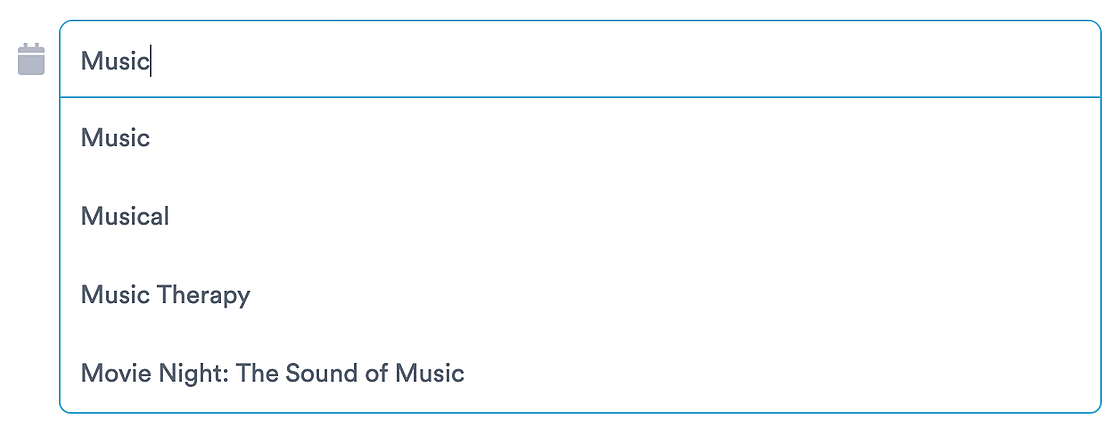
If you want to create a program that already exists in your calendar, simply start typing the name of the program in the Title field. The existing program will appear in a dropdown. Once you select the existing program, the information will auto-populate for you in the pop-up fields.
You can edit any fields as required for the program. When you do change the fields, they will update for the program template automatically. This saves you time so the next time you choose the existing program, the fields will be updated.