March 12, 2021
Web Calendar & Attendance Updates
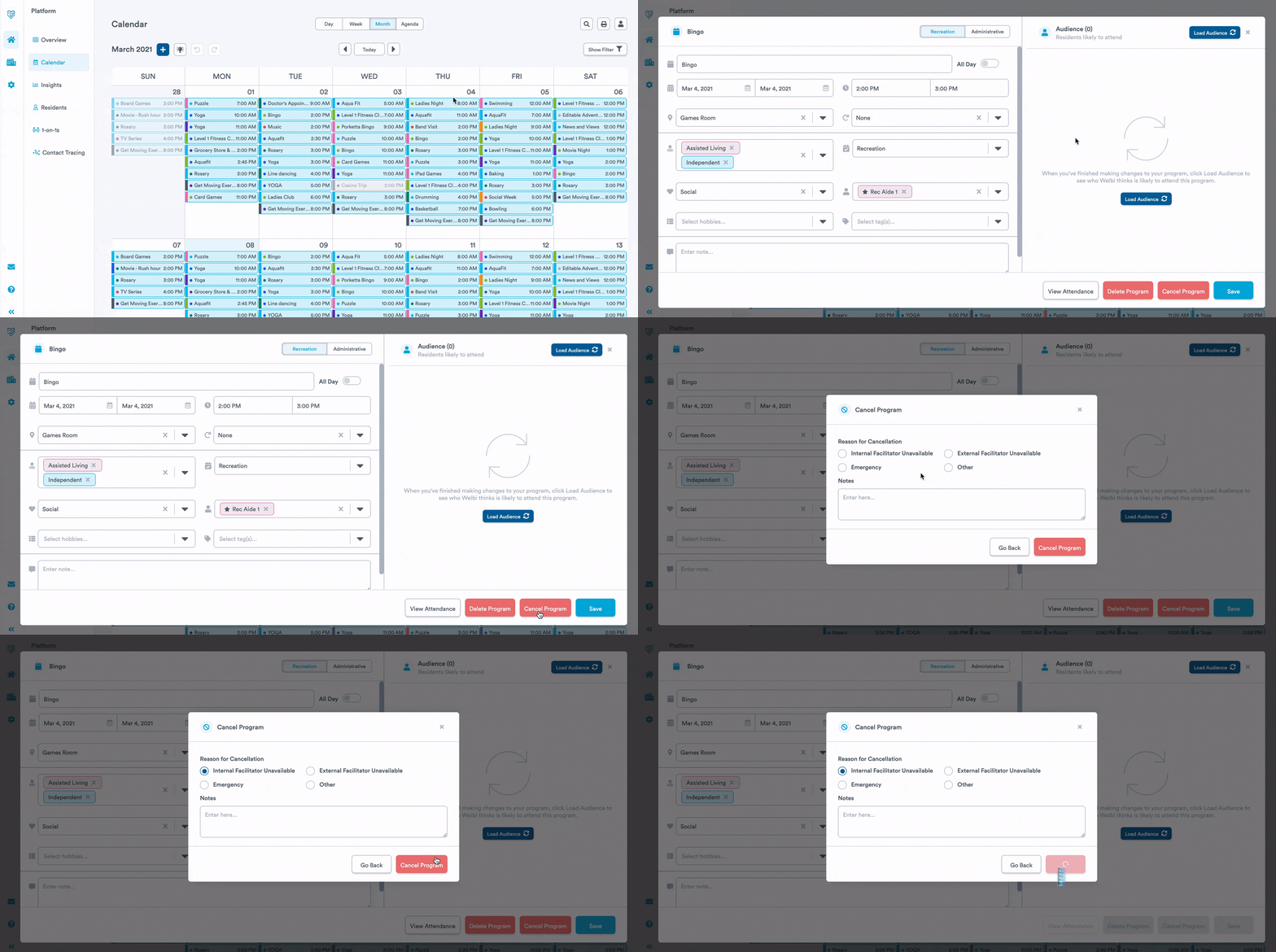
Cancel a Program
If a program needs to be cancelled, not only can you cancel the program, but you can capture the reasons why. This allows you to keep track of and have a better understanding of what is happening on your calendar.
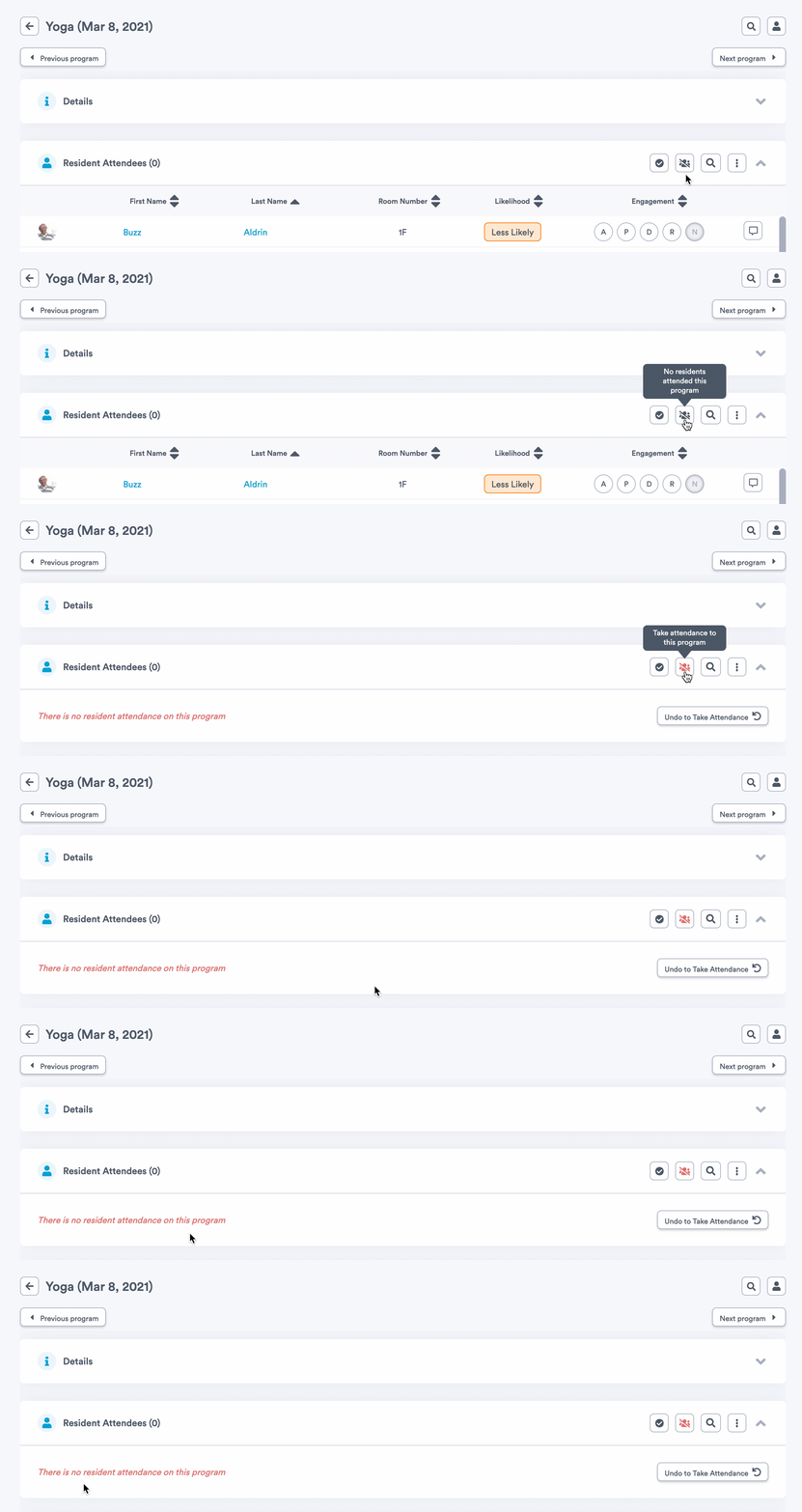
Take Attendance for Programs with Zero Attendees
Allowing you to take “attendance” for programs where there are no participants enables you to make better decisions for allocating resources. If you prepare for a program and residents are not interested, this insight will allow you to potentially remove programs that are not meeting your community needs, or modify the programs for resident interest.
Print Calendar Updates
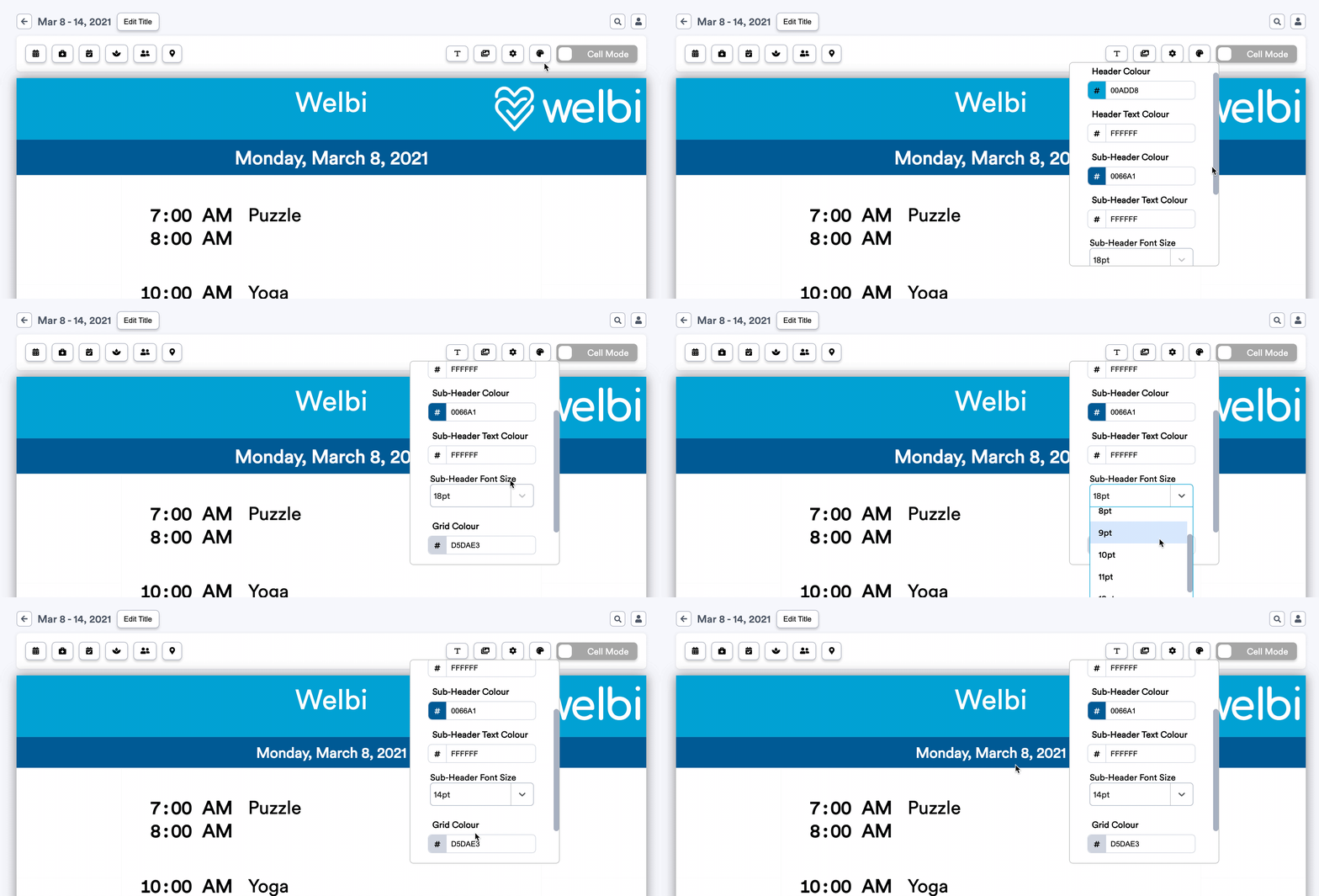
Edit Sub-Header Font Size in Daily Print Calendar
In your daily print calendar, you now can change font size of the date in the sub-header. This was a highly requested feature as you advocated for your residents to easily see your program dates.
Insights Updates
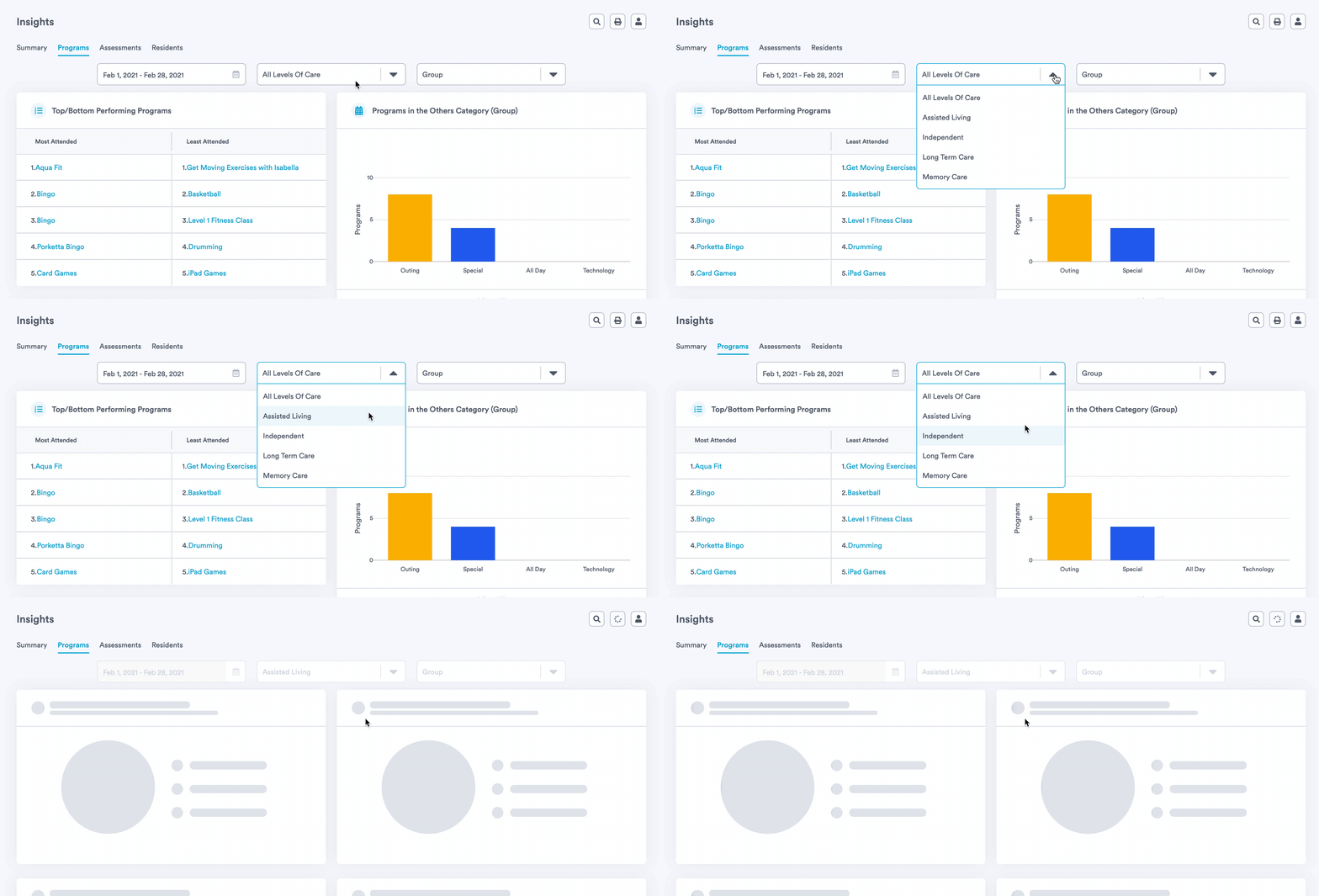
Gather Insights for Each Level of Care
You can now filter your insights by level of care. These insights will allow heads of recreation to track the progress or performance of each level of care. More importantly, you can better personalize your programming to fit the needs and preferences of each group of residents in your community.
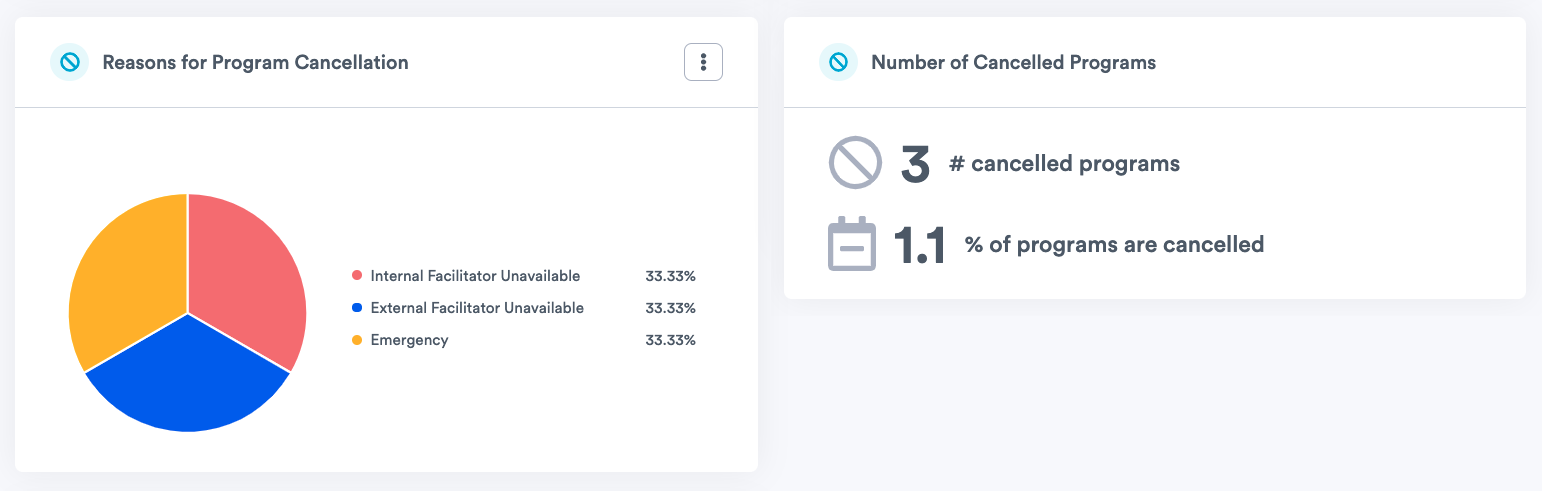
Gather Insights for Cancelled Programs
Determine how many programs were cancelled during the chosen time range as well as the percentage of programs that were cancelled. Having the ability to track this information will enable you to better plan for the future.
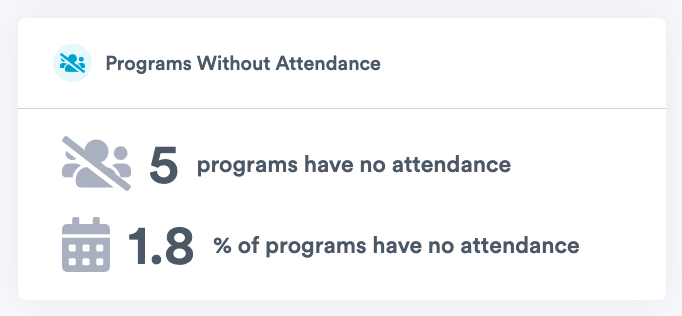
Gather Insights for Programs with Zero Attendees
Detect how many programs had zero attendance during the chosen time range as well as the percentage of programs that had zero attendance. Knowing this information will help you understand what programs are not performing well so you can introducing new ones that will better engage residents.